

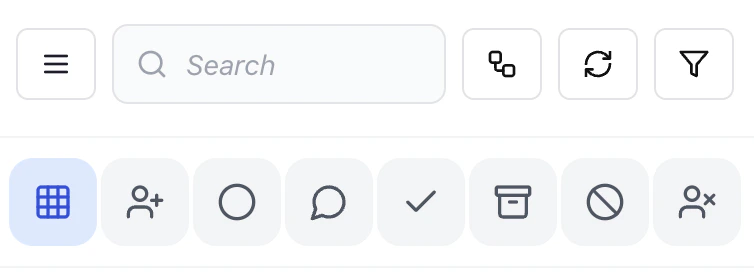
View all conversations
Shows the full conversation list across the current channel.Assign conversation
Assign the selected conversation to a team member for ownership.Unassigned filter
View conversations that are not assigned to anyone.Useful for picking up new or missed queries.
Open conversations
Shows active conversations that require attention.Resolved / closed
View conversations that are completed or marked as resolved.Archive
Move conversations out of the active queue without deleting them.Block contact
Prevent a contact from sending further messages.Remove assignment
Unassign the conversation from the current owner.Why this matters
These controls allow fast queue management without switching screens.- Reduces manual filtering
- Improves response speed
- Keeps team workload organized