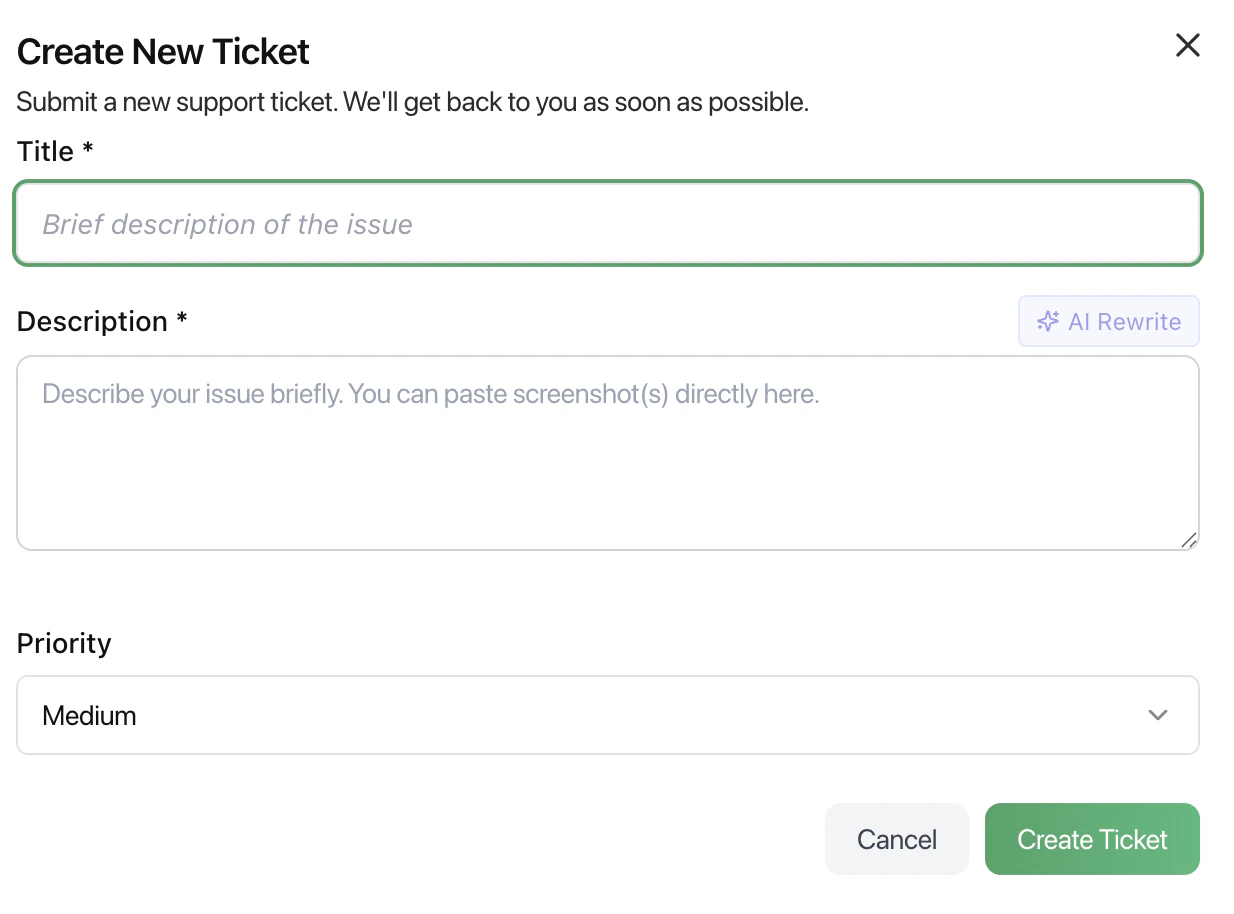
The Support section allows users to raise and track issues through tickets. It is designed to ensure problems are reported clearly and resolved efficiently.
Create New Ticket
Users can submit a new support request using the ticket form.
Fields
- Title
A short summary of the issue.
- Description
Detailed explanation of the problem.
Screenshots or additional context can be added.
- AI Rewrite (optional)
Helps refine or improve the description for clarity.
- Priority
Defines the urgency of the issue:
How to Create a Ticket
- Click Create Ticket
- Enter a clear title
- Provide a detailed description
- Set the appropriate priority
- Submit the ticket
Best Practices
- Keep the title short and specific
- Include steps to reproduce the issue
- Attach screenshots when possible
- Set priority based on urgency, not importance
- Avoid vague descriptions
What Happens Next
- The ticket is submitted to the support team
- It is reviewed and prioritized
- Updates may be shared based on progress
- The issue is resolved and closed
Last modified on May 17, 2026