

View all conversations
Access all conversations across connected channels in one place.This gives a complete picture of incoming and ongoing interactions.
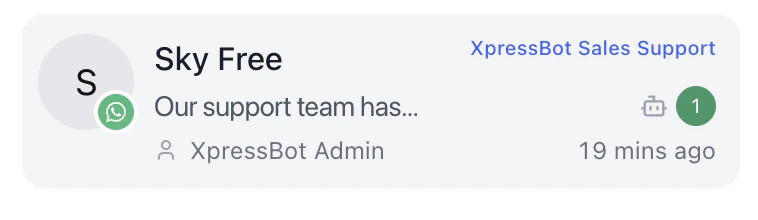
Identify unread or recent activity
Quickly spot conversations that need attention using timestamps and unread indicators.This helps prioritize urgent messages.
Prioritize conversations
Decide which conversation to handle next based on activity, status, or importance.This ensures faster response for critical queries.
Switch between conversations
Move between conversations instantly without leaving the screen.This allows operators to handle multiple chats efficiently.
Why it matters
The conversation list is the entry point for all actions in Inbox.- Reduces time spent searching
- Prevents opening the wrong conversation
- Keeps workflow focused and efficient